Estimate Input Schedules
Estimate Schedule
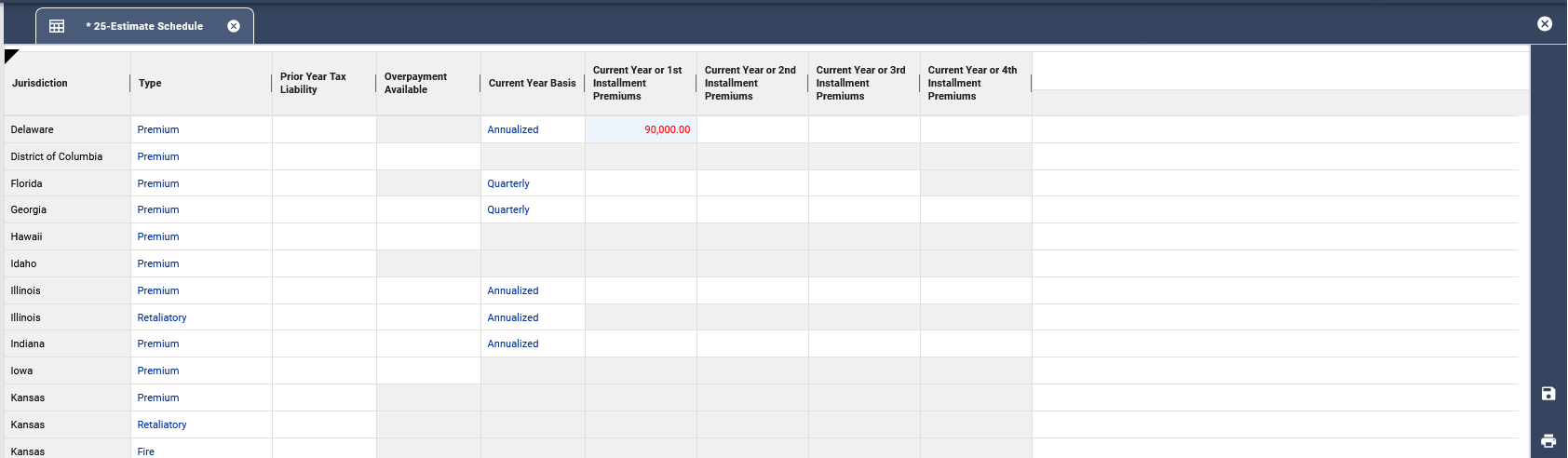
The Estimate Schedule displays all jurisdictions and distinguishes between the various tax types for each state. When applicable, the schedule will populate amounts such as prior year tax liability and any available overpayment from the annual returns.
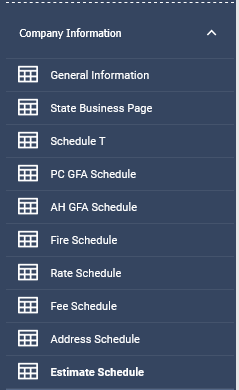
The Estimate Schedule can be accessed from the Company Information menu.

The prior year tax liability column is the actual amount used for the estimate basis.
The Overpayment Available column lists the amount of overpayments (if any) which are allowed to be carried forward and applied to future filings.
The Current Year Basis column denotes the method used for reporting premiums on the various state returns. This will assist you when reviewing the premium amounts displayed in the Current Year or Installment Premiums columns.
The four columns labeled Current Year or Installment Premiums are used when estimate returns are calculated based on current year premiums.
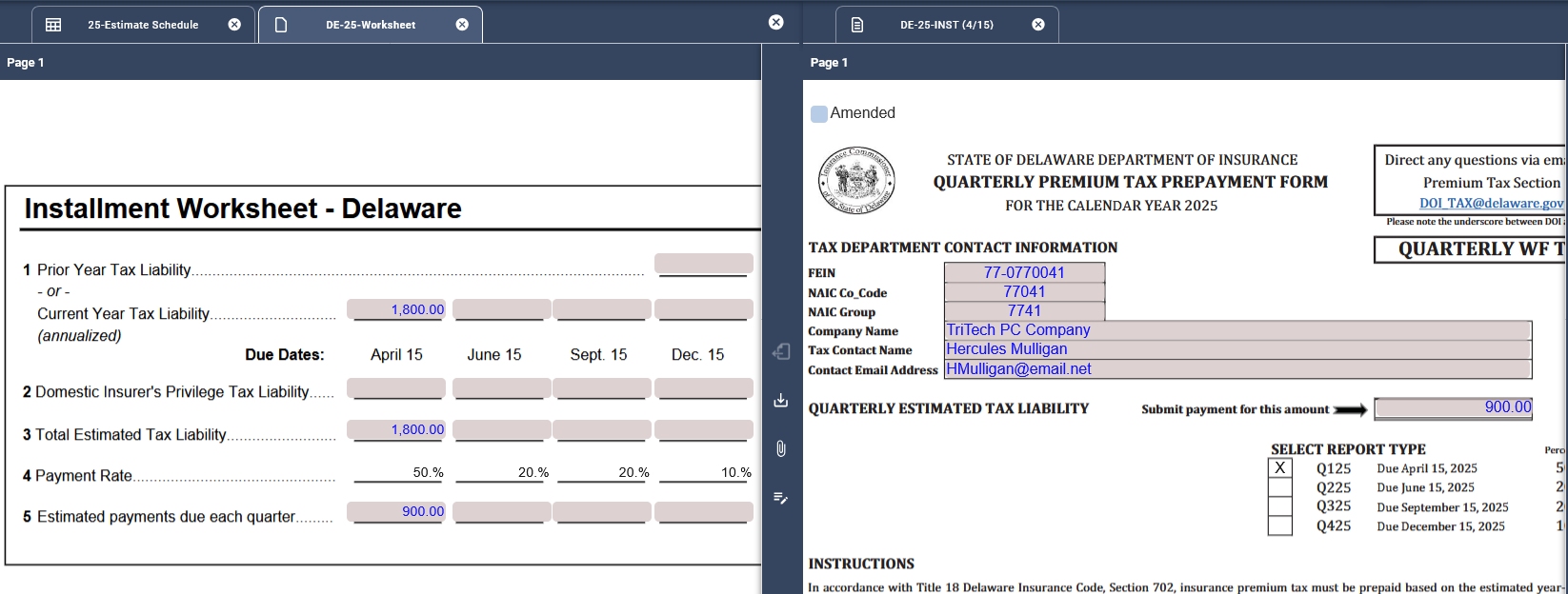
Enter the applicable Current Year or Installment Premium in the appropriate column and click Save. The amount entered will transfer to the appropriate worksheet if applicable and then to the corresponding estimate return.
Related Articles